Mode Ig How Dark To Android
To pressure dark mode throughout all apps, you need to permit a specific developer putting in your tool. you will need to find the developer options in your system settings, which is hidden with the aid of default. the procedure can range barely, so hit up the manual under to find out how you can do this for your device. At the lowest of the overall-screen brightness controls, you'll see a new "dark mode" switch. tap that to toggle it on, and that is it. for an excellent faster way to toggle darkish mode on mode ig how dark to android and rancid, upload the dark mode control to the manipulate middle through settings –> manipulate middle –> personalize controls.
Instagram darkish mode just hit ios and android. i've got an iphone 11 seasoned jogging ios thirteen and the modern day model of instagram (v114) to permit dark mode, just switch on darkish mode *to your cellphone* and. Fb darkish subject matter or night time mode on facebook flip your fb app to absolutely black or dark mode. in this video i'll display you how to permit dark subject matter on fb app android. Using instagram dark mode on android telephones test if you already have android 10 or if you could upgrade to it. to see if there is an upgrade to be mode ig how dark to android had, go to as soon as you've got up to date to android 10, switch on your darkish mode by means of going to settings > show > dark theme. you may additionally switch on darkish mode via.
Different social media apps were working to help dark mode on ios thirteen and android for the reason that roll out, too. back in september 2019, twitter updated to combine its darkish mode with the ios thirteen. Dec 17, 2018 · there are number one techniques for the time being for permitting a darkish mode across the gadget on android pie. first, allow’s move over the consumer-facing alternative. to access this putting, you’ll first want to. Jun 25, 2020 · instagram dark mode for android. to permit instagram's dark mode for telephone jogging android 10, truly observe those 4 steps: open your smartphone's settings; scroll right down to 'display' activate the. Jun 18, 2020 · to enable it: faucet your profile icon within the top-right nook of the app. faucet settings. tap standard. faucet the toggle switch beside dark theme. you need to now see video thumbnails, remarks, and other textual content regions on a darkish.
Mar 07, 2019 · so, permit the darkish mode on android messages and shop the battery utilization now. download the updated android messages app, thru play save. open the messages app. click on on the 3-dot menu icon, positioned within the proper of search icon. Among night mode and the tool subject matter, you’ll be the use of dark mode everywhere it’s viable on android. this is, other than apps that use independant modes which includes google play games.
How To Get Dark Mode On Instagram For Less Stress For Your
Oct 11, 2019 · the usage of instagram dark mode on android phones take a look at if you already have android 10 or if you may upgrade to it. to peer if there is an upgrade to be had, visit as soon as you have updated to android 10, activate your darkish mode with the aid of going to settings > display > darkish theme. you could also turn on darkish mode thru. Visit subject matters and pick out the dark option. that’s it. these had been the stairs to enable the dark mode in microsoft area browser on android. now head over to the underneath segment to do the equal for the computing device version. steps for home windows (computer) for the computing device model, you'll want to download the canary build of the edge browser.
A Way To Get Dark Mode On Older Android Gadgets Beebom
Dark mode adjusts the colors to your screen for a darker appearance. to show on darkish mode for instagram, visit your ios or android device settings. to turn on darkish mode for instagram, visit your ios or android tool settings. to turn on darkish mode for instagram, visit your ios or android tool settings. instagram help middle. Instagram dark mode for android. to allow instagram's dark mode for telephone running android 10, genuinely observe these four steps: open your phone's settings; scroll all the way down to 'display'. Download the darkish mode (loose, offers in-app purchases) app from the play keep and set up it for your device. the app has been developed by julian eggers. 2. next, open it and clearly select “night time mode”. To enable darkish mode in android, navigate to settings -> display -> theme -> dark theme.
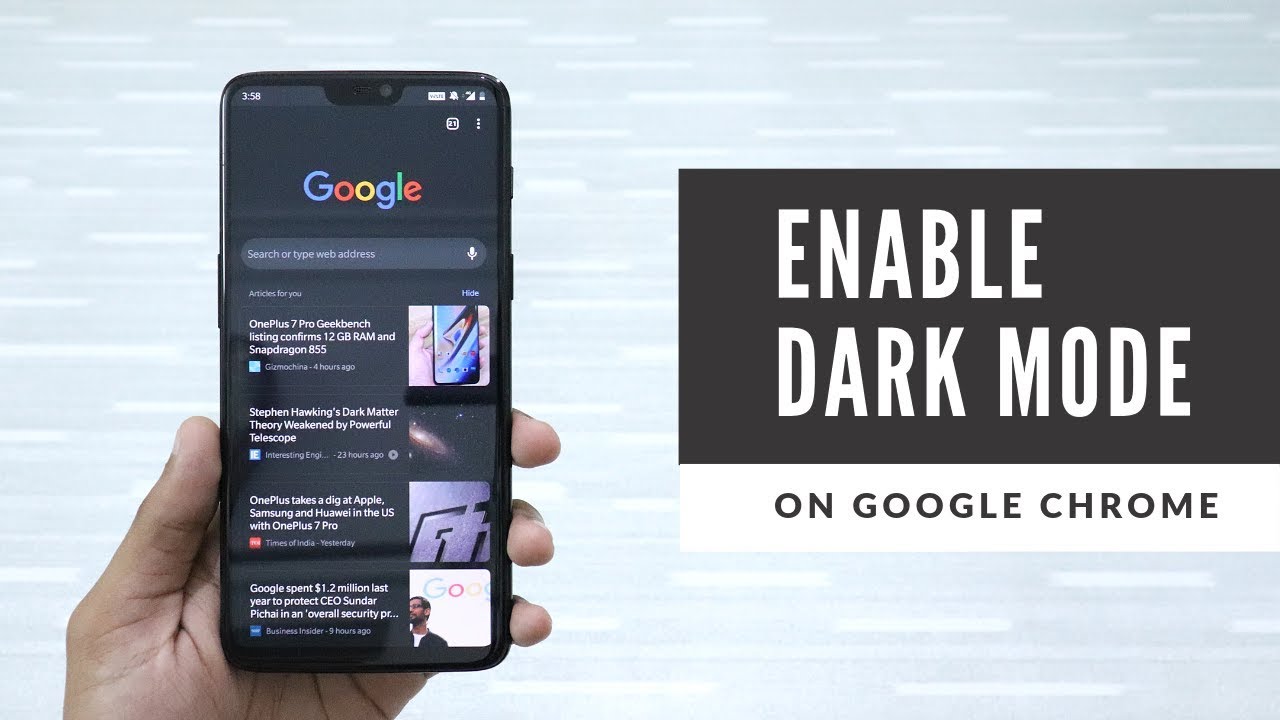


To allow darkish mode in android, navigate to settings -> show -> theme -> dark subject. Oct 29, 2019 · down load the darkish mode (loose, gives in-app purchases) app from the play store and set up it to your device. the app has been developed by using julian eggers. 2. subsequent, open it and in reality choose “night mode”. To permit it: tap your profile icon in the pinnacle-right corner of the app. tap settings. tap wellknown. tap the toggle switch beside dark topic. you ought to now see video thumbnails, comments, and different textual content regions on a darkish.
So, permit the dark mode on android messages and shop the battery usage now. down load mode ig how dark to android the up to date android messages app, thru play store. open the messages app. click on at the 3-dot menu icon, placed within the right of seek icon. See extra videos for how to darkish mode in android. To turn on dark mode for instagram, go to your ios or android tool settings. hold in thoughts that: you’ll want to update your tool’s working system to ios 13 or android 10 in addition to your instagram app.
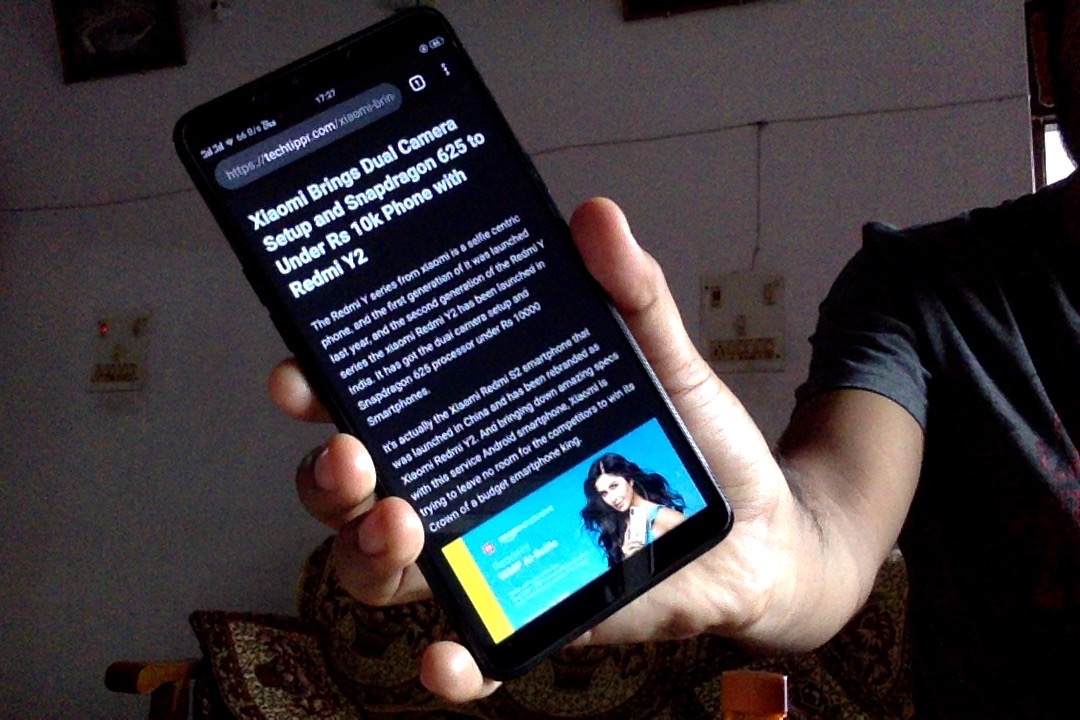
On android 9, the settings menu and other interface elements, just like the notifications that pop up beneath the quick settings, continue to be tinted to a light theme consisting of a white heritage and black text. but, if you understand how to alternate your android wallpaper, you may pair darkish mode with a lighter wallpaper for a extra constant revel in. Today i'm going to expose you an effective method to shop battery all with dark mode ig how dark to android mode on android.. every single technique with (step-through-step) implementation. in final 12 months’s android dev summit 2018, google shares some facts and stats which shows the difference how darkish mode saves more battery. the darkish mode will store around forty three% greater power than the ordinary mode in full brightness whilst looking.
Instagram dark mode for android. to enable instagram's darkish mode for telephone jogging android 10, sincerely follow these 4 steps: open your phone's settings; scroll down to 'show' prompt the. Darkish mode adjusts the colours in your display for a darker look. to turn on dark mode for instagram, visit your ios or android tool settings. to turn on dark mode for instagram, go to your ios or android tool settings. to show on darkish mode for instagram, visit your ios or android device settings. instagram assist middle. To force darkish mode throughout all apps, you want to permit a selected developer placing to your device. you will want to find the developer options for your device settings, which is hidden by default. the manner can range barely, so hit up the manual beneath to find out how you can do this to your tool.
It’s very clean to show on dark mode. here’s how: visit settings > show > darkish subject and toggle it on. ; if you have android 9. 0 pie, you’ll get a taste of darkish mode, however be warned, most. At the bottom of the whole-display screen brightness controls, you'll see a brand new mode ig how dark to android "dark mode" transfer. tap that to toggle it on, and that's it. for a fair quicker way to toggle dark mode on and rancid, add the darkish mode manipulate to the control center thru settings –> manipulate center –> customise controls.


Komentar
Posting Komentar