Mode Adb Dark Q Android
How To Enable Darkish Mode On Android The Definitive Manual
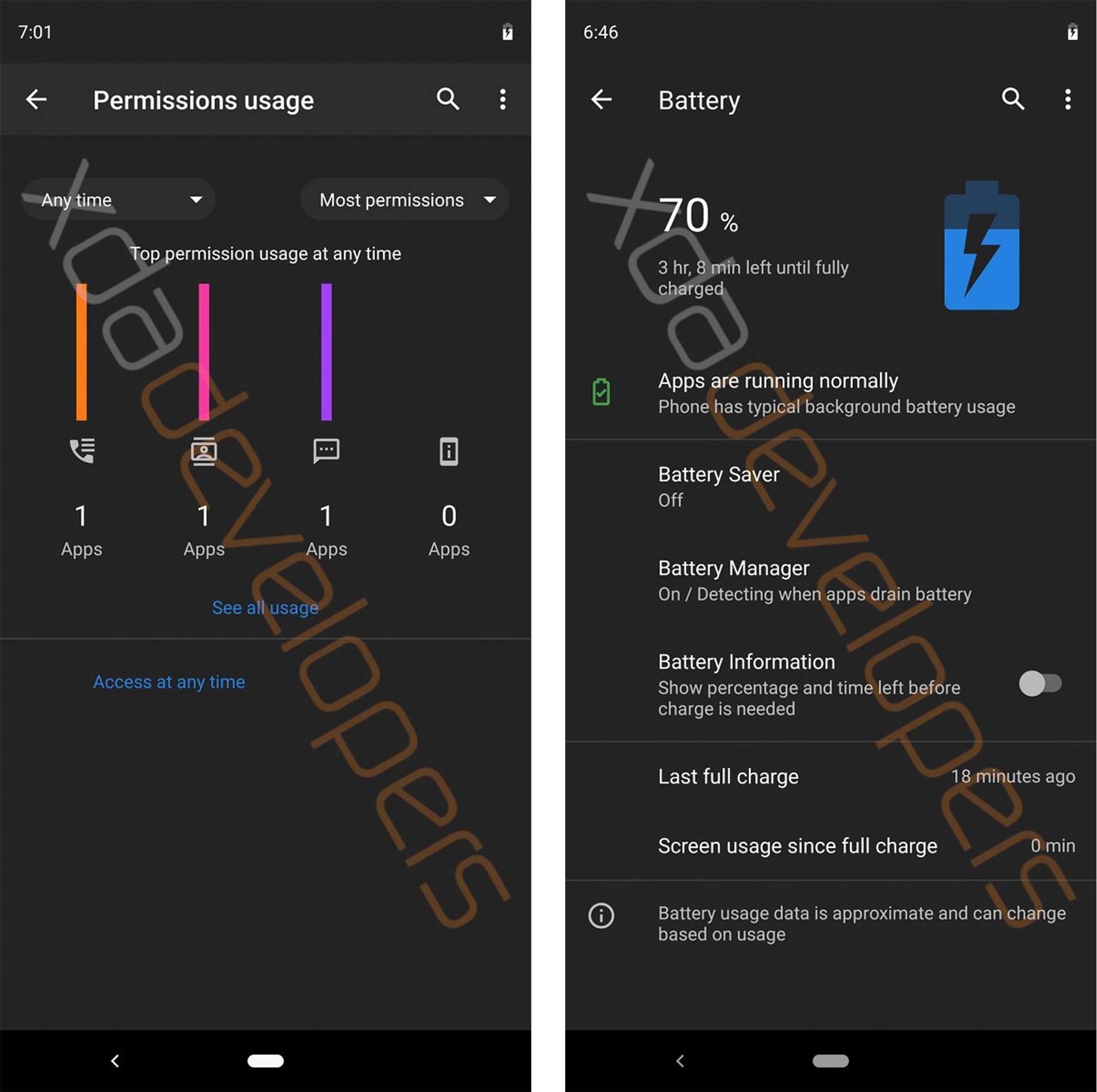
Vehicle darkish mode: adb shell settings placed secure ui_night_mode zero; if you’re using home windows, you want to feature. earlier than the command. in case you’re using macos or linux, then upload. / earlier than the command. reboot your pixel to get the system-extensive dark mode; dark mode will stay until you factory reset the cellphone. desire destiny android q beta updates mode adb dark q android will. Android q's automated mild and darkish mode transfer is well working now 2019/05/01 6:51am pdt might also 1, 2019.
A way to permit or disable android q dark mode in adb. first you want adb tools installed to your pc (see appual’s manual ‘a way to set up adb on windows’). connect your pixel device to your laptop, and launch an adb terminal (preserve shift + right click within the major adb folder, and select “open a command window here”). 13 mar 2019 depending to your platform, you could want to precede the command which calls adb with a. / or no longer (osx/linux need it). following a reboot, you . The primary android q beta for the google pixel smartphones has a hidden system-extensive darkish subject that you could enable (or disable) with a simple adb command. Enable dark mode: adb mode adb dark q android shell settings positioned stable ui_night_mode 2 disable darkish mode: adb shell settings put stable ui_night_mode 1; computerized mode: adb shell settings put stable ui_night_mode 10; step 8: reboot device. adb reboot. note: on macos and linux os you can try prefixes like. /adb and sudo adb.
A good way to enable or disable dark mode in android q beta, you first want to put in adb tools for your pc or mac. once it is established, follow these easy steps open the command window or powershell inside the same listing adb tools is installed. Jul 09, 2019 · enable dark mode: adb shell settings put stable ui_night_mode 2 disable dark mode: adb shell settings placed secure ui_night_mode 1; automated mode: adb shell settings positioned stable ui_night_mode 10; step 8: reboot tool. adb reboot. notice: on macos and linux os you can strive prefixes like. /adb and sudo adb. This first beta of android q drops all point out of "night time mode. " but, all isn't misplaced and there are nonetheless masses of betas mode adb dark q android to go. and you could permit darkish mode in android q using this fantastically.
Dark Theme Android Builders
Can also 01, 2019 · android q's computerized light and dark mode switch is properly operating now 2019/05/01 6:51am pdt might also 1, 2019. Mar 14, 2019 · auto dark mode: adb shell settings placed secure ui_night_mode zero; in case you’re the usage of windows, you want to feature. earlier than the command. in case you’re the use of macos or linux, then upload. / before the command. reboot your pixel to get the device-wide dark mode; darkish mode will remain until you manufacturing unit reset the telephone. hope destiny android q beta updates will.
Update The Way To Allow The Hidden Darkish Mode In Android Q
14 mar 2019 using android sdk join your pixel tool along with your computer, and open the command spark off or terminal window within the same directory in which you stored the adb binary. enter the following command: permit: adb shell settings placed steady ui_night_mode 2. disable: adb shell settings positioned stable ui_night_mode 1. Mar 14, 2019 · use adb to permit dark mode in android q even as the previous method is quick and clean to apply, it'll force you to apply a battery saving mode to your telephone for the dark mode, and in case you’re seeking to use the darkish mode all the time, you might not need to constantly hold the smartphone in battery saving mode. Mar 23, 2020 · a way to allow or disable android q darkish mode in adb. first you want adb equipment hooked up in your computer (see appual’s manual ‘a way to installation adb on windows’). connect your pixel tool to your computer, and launch an adb terminal (maintain shift + right click on in the predominant adb folder, and choose “open a command window here”). There are three ways to enable dark subject matter in android 10 (api degree 29) and better: use the system setting (settings -> show -> subject) to permit dark subject matter. use the quick settings tile to switch topics from the notification tray (once enabled). on pixel devices, deciding on the battery saver mode allows dark subject matter on the equal time.
13 feb 2019 dark mode. observe this academic to permit the use of adb from your laptop. supply: a way to toggle android q's hidden machine-extensive darkish topic. Mar 13, 2019 · the primary android q beta for the google pixel smartphones has a hidden system-huge darkish theme that you could enable (or disable) with a easy adb command.
Android q: a way to toggle gadget-wide dark mode the usage of adb.
Android Qs Automated Light And Dark Mode Transfer Is
Use adb to permit darkish mode in android q whilst the previous approach is quick and clean to apply, it will pressure you to use a battery saving mode on your phone for the darkish mode, and if you’re seeking to use the dark mode all of the time, you may not need to constantly hold the smartphone in battery saving mode. Darq is an app that we could users permit a forced darkish mode on a per-app basis on android 10. it now works with out root thanks to the use of an adb script. The darkish mode comes with the android pie 9. 0, however it isn't always a gadget-wide darkish mode. google has confirmed that darkish mode helps to shop greater electricity. so, it's far possible that gadget-extensive dark mode comes with android q. even as you could nevertheless change a few apps ui to the dark mode. here’s the way to permit darkish mode on android. what's darkish mode?.
See greater films mode adb dark q android for android q dark mode adb.
There are three approaches to allow darkish theme in android 10 (api level 29) and better: use the machine setting (settings -> display -> subject matter) to permit dark subject matter. use the short settings tile to replace subject matters from the notification tray (once enabled). on pixel gadgets, choosing the battery saver mode enables dark subject on the equal time. This first beta of android q drops all point out of "night mode. " however, all isn't lost and there are nonetheless lots of betas to head. and you could enable dark mode in android q using this surprisingly. There are 3 methods to allow dark theme in android 10 (api level 29) and better: use the gadget setting (settings -> display -> subject) to enable dark subject matter. use the short settings tile to interchange issues from the notification tray (once enabled). on pixel devices, deciding on the battery saver mode enables darkish subject matter at the identical time. 23 mar 2020 as an instance, while you could force enable darkish mode via adb commands, which we will show you in this guide, it is virtually horrible in certain .
A Way To Permit Dark Mode In Android Q Guide Beebom
Mar 14, 2019 · this primary beta of android q drops all point out of "night mode. " however, all isn't always lost and there are still masses of betas to move. and you can allow darkish mode in android q the usage of this pretty. gambar guide · memulihkan perangkat · menyambungkan ke wireless dengan adb ini mengikat tema utama aplikasi ke flag mode malam yang dikontrol sistem dan android:windowbackground bertema gelap hanya bekerja di android q ui_mode_night_yes -> // night time mode mode adb dark q android is active, we're using dark topic
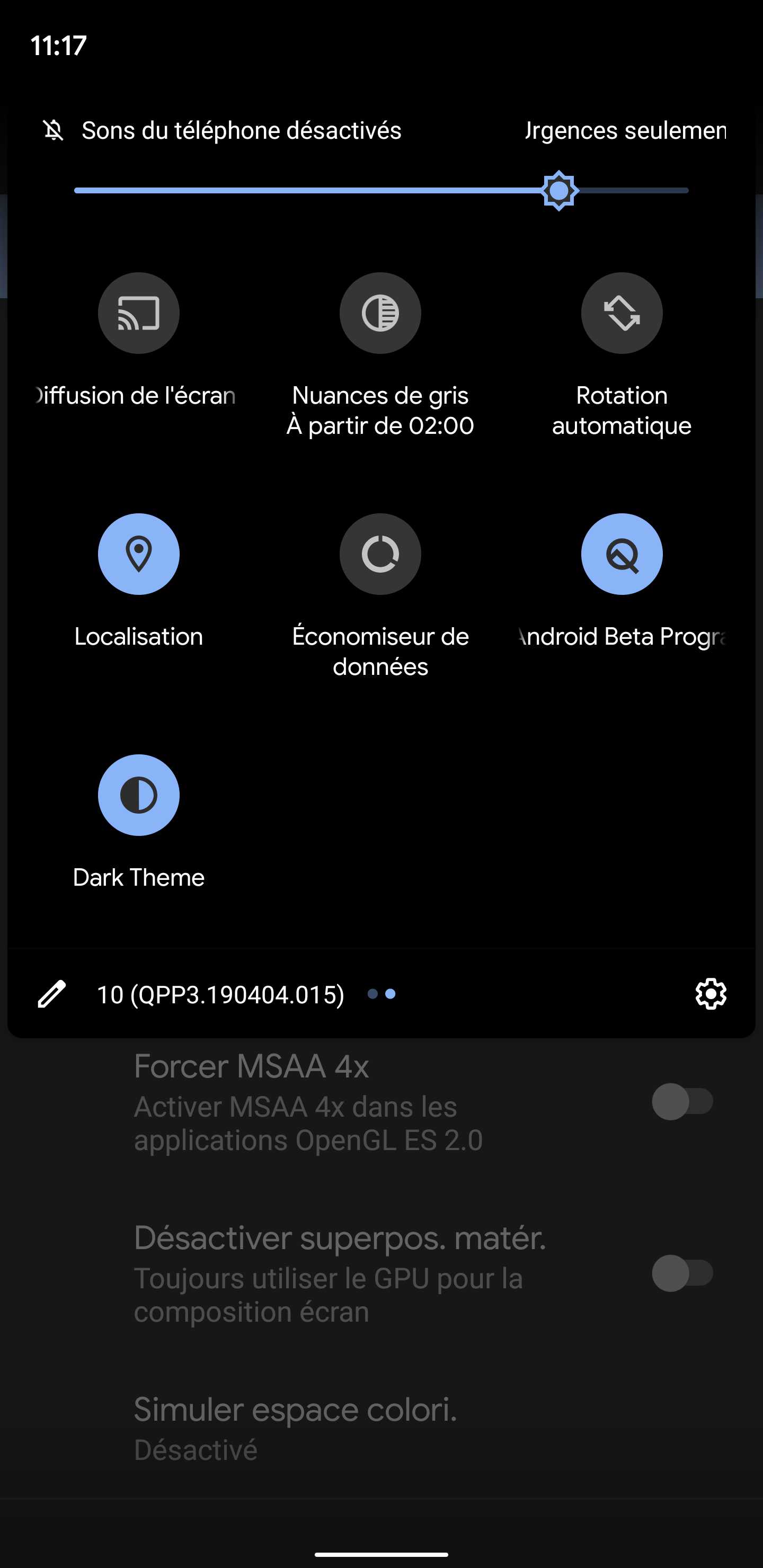
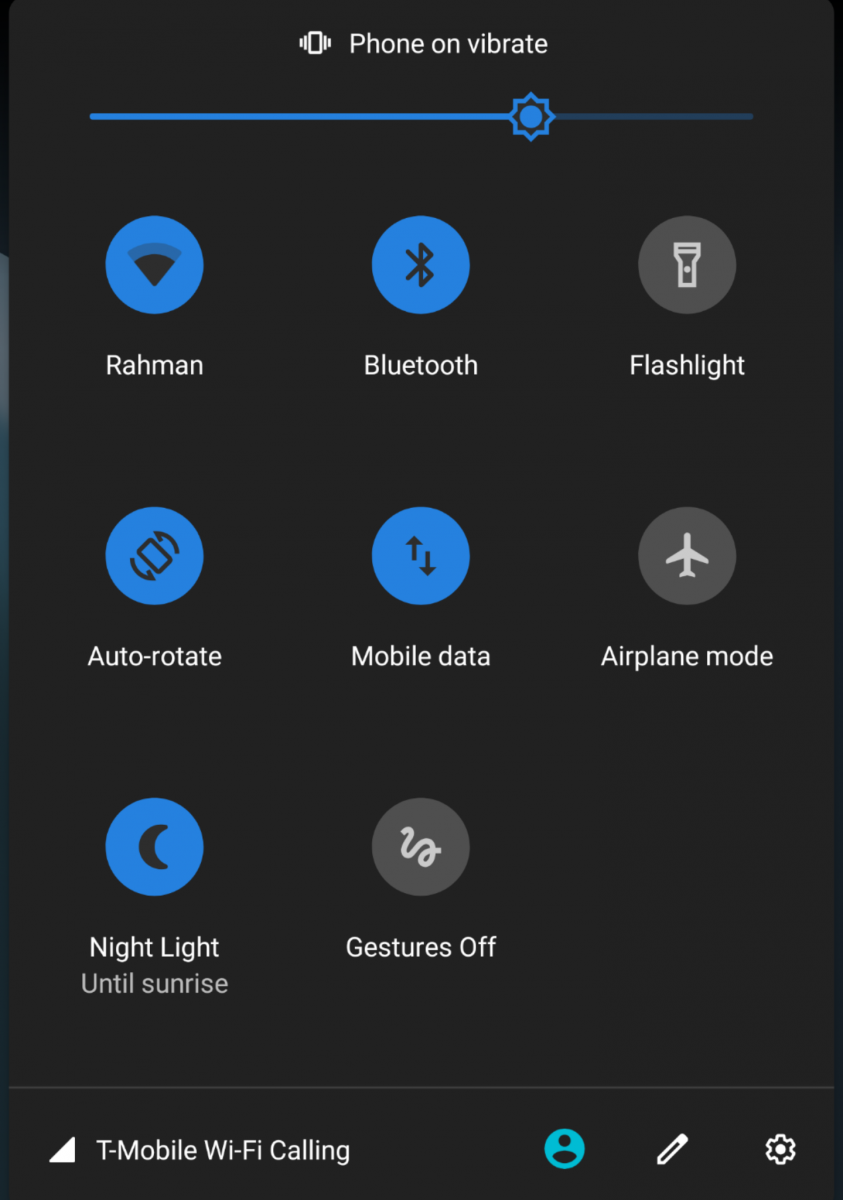
How to disable darkish mode in android q beta (examined.
Darq is an app that we could users enable a forced darkish mode on a consistent with-app basis on android 10. it now works without root way to using an adb script. Use adb to enable darkish mode in android q. whilst the preceding approach is short and clean to use, it's going to force you to use a battery saving mode to your phone for the dark mode, and in case you’re looking to use the dark mode all the time, you might not want to always maintain the smartphone in battery saving mode. fortuitously, the coolest parents over at xda. Android q's automated light and dark mode switch is properly operating now 2019/05/01 6:51am pdt might also 1, 2019.


Komentar
Posting Komentar