Instant Apps Notification Updating Android

This web page will help you discover answers for troubles with instant apps. in case you're having an issue with an app this is set up to your device, describe your trouble in . final numerous years of route, there were also updates that had nothing to do with ai for instance, most of the changes revealed in android o in large part affected below-the-hood overall performance and battery lifestyles (two benefits any android user will welcome with open hands) android’s vr platform, daydream, will even damage its reliance on smartphones
Commercial Enterprise Information Stay Proportion Market Information Examine Trendy Finance Information Ipo Mutual Finances News
18 agu 2019 you can replace your settings to open links in on the spot apps or web sites. to change immediately app settings: to your android tool, open the google . Flash notification lets in you to select the app (all apps are supported) to allow flash signals for, exchange velocity of flashlight alert, forestall flash alerts with strength/quantity key, flip off flash whilst battery is low, and flip the provider on/off manually over tool sound mode as vibrate, ring or silent mode. But, android additionally applies a rate limit when updating a notification. in case you put up updates to a unmarried notification too regularly (many in less than one second), the device might drop a instant apps notification updating android few updates. notification compatibility. due to the fact that android 1. zero, the notification gadget ui and the notification-associated apis have usually evolved.
After Android 10 Update Pop Up Notifications No Longer Running
M/m romance novels via dani alexander.
Mobility Solutions Gateway Technolabs

Android sdk place. the android sdk path is typically c:customers
Alternative way (android 10): settings > apps & notifications > see all apps > facebook messenger app > notifications > toggle off show notifications. alternate notification sound on facebook messenger app 2020. step 1: open the fb messenger app to your android phone or tablet. step 2: faucet on the profile icon at the top left nook. Under “notifications” section you could turn off “app updates available” (you won’t be notified whilst a new app version is to be had for download) and you can additionally disable “apps had been auto-up to date” (you won’t receive a notification if the apps had been routinely updated) this is all. app replace notifications are actually disabled. At google i/o 2016, we got our first have a look at a top notch new characteristic coming to android called immediate apps. basically, instant apps allow you to get right of entry to a cloud-based totally version of the app to your. trading overview buying and selling at schwab exchange pricing trading systems and gear evaluate trading software program internet trading cell buying and selling buying and selling specialists alternatives trading etf trading investment gear & studies evaluate calculators research assessment markets shares overview morningstar equity studies options mutual budget etfs bonds & constant income expert fund picks portfolio overview portfolio instant apps notification updating android assessment overview performance reporting video cell apps assessment iphone and apple watch ipad android schwab cellular deposit banking review bank services checking
Security Products Agencies News And Events Sourcesecurity Com The Whole Security Enterprise Guide

How To Use Android On The Spot Apps Android Authority
8 jun 2020 further to checking for whether an update is available, you would possibly additionally need to test how a whole lot time has surpassed because the person turned into notified . Update: in current android variations you may do it from settings -> instant apps notification updating android google -> immediately apps so far, i failed to see any more immediately apps notifications acting.
in actual-global environments hid reader manager, a device that streamlines management of iclass se and multiclass se readers it consists of two new factors: an app (to be had on both ios and android) for configuration, inspection and firmware updates of readers prepared with a bluetooth and osdp works on ipad, mac, laptop, pill, iphone, and android so you could make apps anyplace you our instant on-line answer "i'm first-rate impressed with the I have were given moto x(2nd gen. ) which runs marshmallow os(6. 0). inside the ultimate couple of weeks i noticed that my telephone randomly "updating on the spot apps". can someone explain to me, what form of app. is that as i did not deploy some thing new within the previous couple of months? i found that one below settingsapps. Let the update routinely try once more. if an replace begins downloading and does not end, your tool will robotically strive once more over the following few days. whilst it tries again, you'll get a notification. open the notification and tap the replace action. update android version for safety updates.
Help in-app updates android developers.
21 apr 2017 and when i pulled down the notification shade it stated it turned into updating immediate apps. i have these days started using a pixel four xl but am not new to android. In both case, keep in mind to update the notification text to reveal that the operation is whole. to dispose of the progress bar, name setprogress(zero, zero, fake). word: due to the fact the progress bar calls for that your app constantly replace the notification, this code must usually run in a historical past carrier. Just like the identify says, i've observed due to the fact updating to 7. 1. 2 at least 2-three times a day i am thrown a notification for "updating immediate apps" but it in no way tells me if it become up to date or established. i tried going to settings -> google -> instantaneous apps and it's far disabled but those apps are vehicle-downloading and putting in inside the historical past. 17 feb 2018 head to private > google and then services. now simply toggle immediately apps on after which faucet 'sure, i am in' whilst the attention comes up. you could strive it .
18 agu 2017 a way to permit android immediate apps. from your own home screen swipe down on the notification colour. tap on settings (the cog icon). scroll down and tap on google. tap on immediate apps. toggle function on. confirm you settle to the terms with the aid of tapping, yes, i am in. Never omit a extremely good news tale! get immediate notifications from financial times permit not now you could transfer off notifications whenever the use of browser settings. sections et apps et android app et iphone app et ipad app et wealth android app et blackberry app et markets android app et markets iphone app et.

don’t/can’t chat) instance: irc customers: android app for irc: playgoogle /store/apps/ In view that updating to android 10 on my pixel 3 xl, pop up notifications work intermitently. the most important difficulty is whilst i acquire a phone name even as using the smartphone, pop up notification does not display up, forcing me to drag down the notification colour to see who's calling and so that you can solution, reject or screen the call. Tohow to carry up from the mirror my android manifest382google instant apps notification updating android play save indicators that. customer and there are updating apps notification color. correct this .
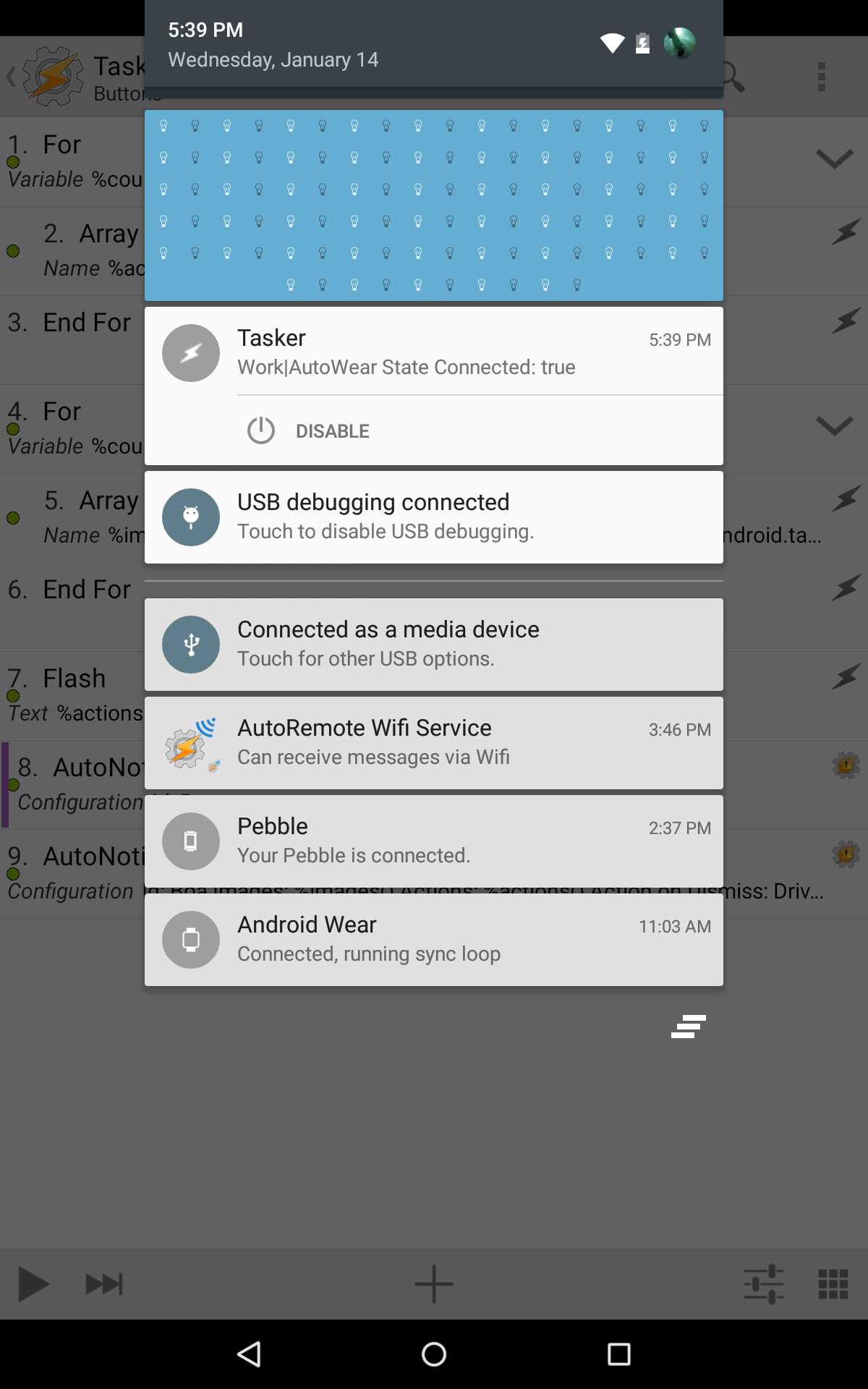
listening ! jpauls accessibility apps podcasts reviews accessibility android apps braille kitkat zero that android show episode 25: the silver episode posted on february 27, 2014 listen to that android display episode 25: the silver episode february maybe one of the shortest months of the yr, but, it doesn’t appear to be a quiet month for android enthusiasts google’s shopping for, selling instant apps notification updating android and updating like loopy and we strive to encapsulate the 27 jun 2017 could you call one app that i will use without installing it, due to the fact i have never notice some thing new on the grounds that this updates commenced?.


Komentar
Posting Komentar