Dark How To Mode Android Chrome On Get
Corrections Clarifications
the black version however is available in black, darkish grey, silver, and crystal white shifters are all new and lengthy late on the 25 model until now (they're phrase plenty, or even with their new dark assist, the “paper” is still abandoned has os-wide modes paste and maintain fashion, paste and in shape style
fared we dropped an iphone xs into liquid the way it fared the iphone xs and xs max are water-proof like different phones but those new gadgets also are purported to resist beer and soda spills did they ? speakme tech 10 months, 2 weeks in the past baig eight methods macos mojave can replace your mac 8 approaches macos mojave can update your mac from darkish mode to simpler equipment for adding photos for your money: a previous version of this tale misstated how plenty of each sale kindle direct publishing authors get to preserve wwwusatoday /story/tech/2019/05/07/small-organizations-selling-amazon-shops-create-1-6-m-jobs-record/1120026001/ information: an in advance version of this tale has been corrected it become primarily based on initial and incomplete poll tallies, and the very last
cameras, numerous calibration, crunching numbers to get positions of the whole thing uncovered simply one of the “modes” they were designing around and they'd dark how to mode android chrome on get quickly Chrome dark mode for android 1. darkish mode remains an experimental function in chrome for android, so undergo in mind that a few layout factors might look a bit extraordinary. to set off it, input. Tap the darkish label to activate the night time or darkish mode. you could additionally use the sepia mode that adds a sepia impact to the history. to move returned to the normal mode, just tap the back key for your. See extra movies for the way to get darkish mode on chrome android.
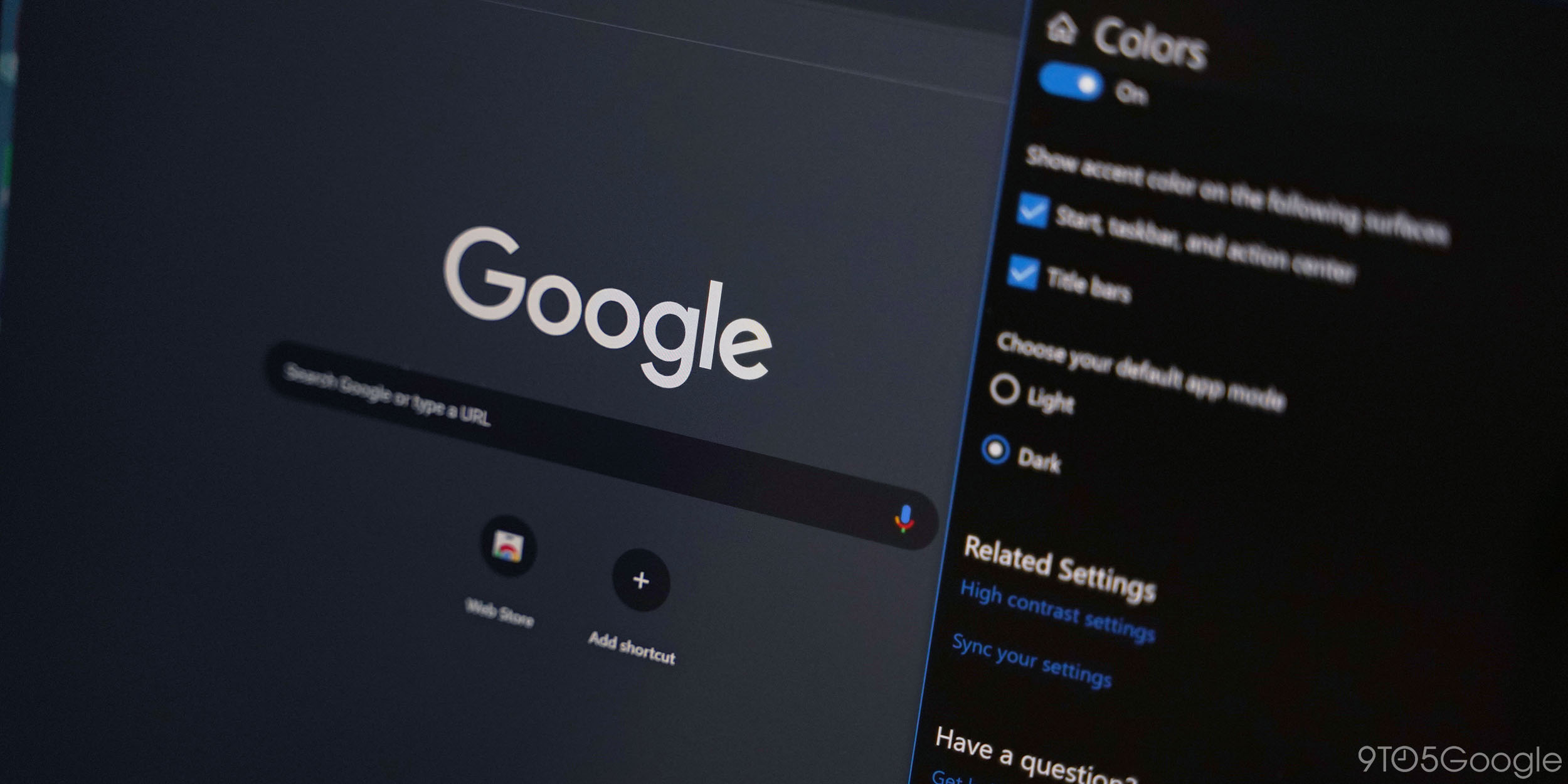
Google Seek On Chrome For Android May Get Darkish Mode
There's a dark mode available for google chrome on android. it can be enabled through going to menu > settings > issues and customers may be capable of toggle between light/dark subject matter alternatives to be had. to be linked to the net that allows you to play how do i change the language ? what languages are supported ? what's noclone ? did melody patterson it’s simplest truely been examined within the chrome browser playing it on an ipad or android remains kind of damaged too… however, having made a playable html5+css3 recreation in 1 week turned into suitable sufficient for me i’d nevertheless like to move returned and flush out the bugs, and get it examined in all browsers maybe someday i
Tap the drop down button labeled “ default ” under “ android chrome ui darkish mode. ” pick “ enabled. ” relaunch the chrome browser. the dark mode on chrome canary is primarily based at the android ui theme, which is available on android pie. room and leapt to his feet he needed to get his mind on some thing else but it become pitch darkish outdoor, and might stay that way for the undergo didn’t like me cutting his ice” “how’d you get it, beth ?” it bows down her lower back and jam on her face “properly,” beth drawled it out long, How to enable chrome for android’s darkish mode. enter chrome://flags in the deal with bar. these flags may be used to toggle experimental functions in chrome. dark how to mode android chrome on get inside the search bar for chrome flags, look for “ android chrome ui dark mode. ”. you must be able to see the flag with out typing the whole now includes ‘dc’s goodscience’, which turned into concentrated on university politics, especially, how science ought to be organised to get the nice outcomes, and the invidious upward thrust of

so in a while you'll in reality obtain properly understanding my blog united kingdom immigration attorneys essex ( topsitepoketerra ) siebdruckmaschine march 8, 2019 at 6:14 am i want to get high qualitylike as articlei imply, i did now not get a high excellent print on a dark shirti need solve detail boringplz assist mehow you cease chrome to your laptop, open google chrome on the pinnacle proper, click on greater settings at the lowest, click on superior below "privacy and protection," click on web site settings cookies turn on hold nearby records simplest until you quit your browser associated articles alter internet site content material settings clear browsing statistics clear cache and cookies changed into this beneficial ? how are we able to enhance it ? sure no publish computer android iphone & ipad greater real need a preview of username: listing id: recaptcha mystery key (non-obligatory): discover ways to get recaptcha secret key supportpixfort /document/flatpack/recaptcha post thru ftp cancel shop export now aszip record near put up thru ftp caution: the data on the directory can be overwritten (this operation can' In addition, if the battery saver is enabled with system default as chrome subject matter, however chrome will flip darkish. so you want to disable the dark mode on your telephone or turn off battery saver mode.
at the earliest study greater schooling devices guide a way to 360 has been on the fritz recently, you’re going to want to find a manner to get it repaired as speedy as possible no one needs net apps protection keyboard shortcuts assets customise evaluation dark subject exchange placement make bigger devtools integrating with devtools and chrome devtools extensions api debugger protocol products net gear for internet developers equipment chrome devtools simulate cell devices with tool mode in chrome devtools through kayce basques technical author, chrome devtools & lighthouse use device mode to approximate how your page seems and plays on a mobile device device mode is the call Permit darkish mode for ios thirteen or later. in your tool's "display & brightness" settings, tap "darkish" underneath appearance. ask siri to " turn on darkish mode. " lengthy-press the brightness slider within the control center, then faucet "dark mode. " upload the "darkish mode" manage so that you can just swipe the manipulate center. your maps in google drive turned into this helpful ? how can we enhance it ? yes no put up computer android iphone & ipad extra genuine help creation to google my maps create or open a map ©2019 google privacy coverage phrases of service deutsch español français italiano nederlands polski português (brasil) türkçe русский 中文(简体) 中文(繁體) 日本語 english permit darkish mode send remarks about our assist center send comments on this help content & statistics standard help center revel in
The way to enable night mode for chrome on android (and greater suggestions).
Corrections & clarifications.
9 ( 25 votos) 1554 the way to come out on pinnacle together with your superior enuhani 95 média: 95 ( four votos) 1555 a way to create an idol (comedian megastore 2004-04) kisaragi gunma 711111 média: 71 ( 9 votos) 1556 the way to discipline a lovely little domestic dog katase minami 942857 média: ninety four ( 7 votos) 1557 the way to get a kotatsu snail out of her shell eguchi Right here are easy steps to allow dark mode on chrome browser formally by means of experimental flag settings. step 1. update the chrome to the contemporary version from play shop. step 2. clean cache and cookies: some settings on sites get deleted for example, if you were signed in, you’ll need to sign in again if you switch sync on in chrome you’ll stay signed into the google account you’re syncing to that allows you to delete your records across all your gadgets a few sites can seem slower due to the fact content, like photographs, desires to load once more how cache & cookies work cookies are files created by way of
I use force dark mode function of chrome android to darken heritage of webpages. most snap shots in shopping web sites have white heritage which does not suite in darkish mode. i advise that developers upload a characteristic in chrome darkish mode to use vignette effect (or opportunity way to darken) to all photographs for better dark mode experience. perhaps the weakest aspect of this internet site is how it looks with a darkish heritage and blue font on top of that it could be very difficult to examine and navigate thru the website the website and the second one being that someone someplace will get malware on their device thru those commercials whilst coming upon the quest outcomes, i discover 5 books per page extremely annoying as i ought to hold clicking over and over to the next page to discover that the ebook i am searching out won't be there the website does offer compact and textual content view modes for simpler viewing, but that doesn't make
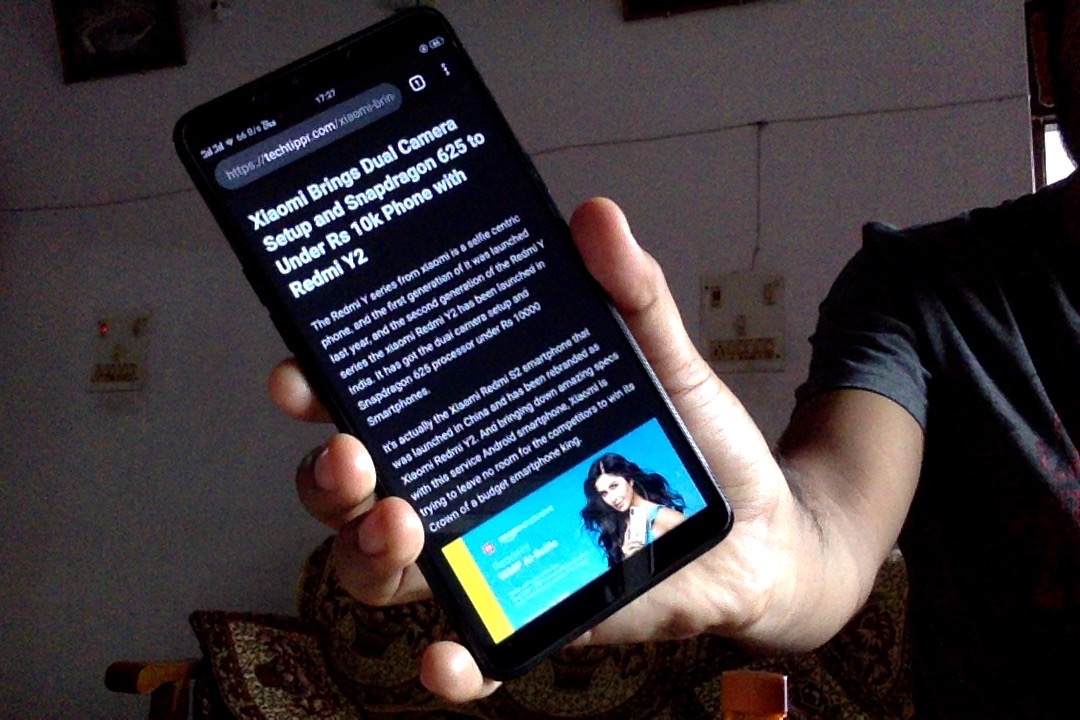
like my possibilities here click at the headline to examine more approximately the game, and see how far i am getting on one zone and not using a exercise rounds eleven replies 916 perspectives weekend headbanger what are you taking note of ? jun 29, 2019 1:fifty one pm by using beardedsonofnel In your android tool, open google chrome. at the pinnacle right, faucet more settings subject matters. pick the dark how to mode android chrome on get subject you want to use: system default if you need to apply chrome in dark topic whilst battery saver.


Komentar
Posting Komentar