Android Screen Home Apps
menu button or the left button of the home key you'll be navigated to a secure mode emblem at the bottom of the display to check whether the mistake is solved: enter the prefix code you were attempting before with the dialer to test it really works or now not if the answer works, then it's far been caused an app to your android telephone reboot your mobile and take away the lately pill the use of the ipad and drugs for homeschooling home ipad apps ios how-to android pill touchpad about august 10, 2018 exceptional ios 11 feature for educators the ipad/iphone screen seize function is one in all my favorites its Go to the house screen web page on which you need to paste the app icon, or launcher. the display ought to have room for the app icon. touch the apps icon to display the apps drawer. long-press the app icon you need to add to the home display. drag the app to the home display screen page, lifting your finger to location the app.
Method to rename apps on android home display screen. you may rename any android app in your android device. alternate the name of android screen home apps the android application on your property display screen. you may even spoof anybody by way of changing the call of apps to your android device. events entertainers & bands classifieds nearby attractions add this app to your property screen for short access ! android: first: tap the menu icon ☰ (at the top. Domestic weblog merchandise custom apps touch us domestic blog products custom apps contact us see how it works. taxihail permits passengers to e book and manage their very own reservations, thru ios or android, in real time, alleviating name congestion all through height busy hours. step via the monitors to look how it works. completely customizable taxihail is customized for you, using your logo and colorations to present your passengers the consolation. Long-press on an app from the house display screen or from the app drawer, and circulate it into the tray. create folders on your home display screen a great manner to prepare your apps is to use folders.
available as a loose download from and the android you could also comply with app-associated information thru and !activities web page:cutting-edge exhibitions and special events can be publicized as the house display screen to make get admission to less difficult for customers on the The controlled domestic display app is a custom launcher used for gadgets enrolled in intune as android business enterprise (ae) committed gadgets the usage of multi-app kiosk mode. you could get admission to the android tool policy app, or manual customers to the android device policy app, for aid and debug purposes. Android launcher apps have lengthy been an quintessential a part of the android revel in. in case you do not just like the manner your private home monitors look or act, you can definitely download an app to trade all of. checklist 5 searching mild and blood tracker (ios/android) looking mild and blood tracker is beneficial hunting app, supplying display screen lights of various colorings for specific usages in
Taxi Hail
Apk4free down load paid android apps and video games totally free.
full fabric design at some stage in nova launcher replaces your own home screen with one you control and may personalize exchange icons, layouts, animations and retain studying → android screen home apps android apps photogrid: video & % collage maker v715 construct Open all apps. discover ways to open apps. ; touch and drag the app. you’ll see pics of every domestic display. slide the app to in which you want it. carry your finger.
code after auto programming october 20, 2014 disable android lock display automatically when at home july five, 2014 the way to install unidentified developer apps june four, 2014 a way to have a home windows inspiredui android ipad iphone link: itunes linkedin linkedapp linkedin connectedconnected linkedin connected linkedin Placing the default home display at the android platform. the good aspect about this tip is that it applies to any sort of app that units a default utility--simply alter what application's defaults.
A Way To Personalize Your Private Home Display On Android Android
you'll need the xbox 0 preceding next domestic android ipad software and apps home windows tip 4 us ? touch featured news high-quality tablet for reading in brilliant sunlight july sixteen, 2014 1 comment clarity of capsules exterior has been a talked about difficulty ever due to the fact that this gadget turned into launched the backlit excessive quality led displays have now not been able to supply well in app but there's a hyperlink to different apps by way of this developer within the backside left corner of the home screen it might be great if that place might be toggled off and/or add a far more hard parental gate since it consists of hyperlinks to buying different apps the modern parental gate will be without difficulty hacked g watch r: arms-on with lg’s android smartwatch ouch ! hearth telephone drops from $199 to $099 on-agreement from at&t, but at least you could buy it in europe later this month app demo: google now launcher joe takes us on a brief journey thru a few simple domestic display screen variations among the currently revamped and released google subsidized hyperlinks sponsored links donate touch manual aid screen shots down load home bp ipad,iphone,android apps © biblestudypro
Caseyfrennier. com: art, layout, diy and tech tasks.
channel for android cell global television channel for android cell app new programs published: 07 feb 2018 play in full display screen global tv android screen home apps channel for android cell international tv channel for android cellular record rights infringement posted: 07 feb 2018 perspectives: 876 world television channel for android mobile app new packages show more 1:51 international cup get right of entry to to the entirety on our website from your home display screen android: get our free internet app: ios: create a web shortcut in safari browser: 1) faucet the share button ( or ); 2) faucet upload to home display ; three) tap upload computer: ctrl + d keys cellular telephones broadband & tv vehicles mwc 2018 apple android iphone apps gaming vr supercars clever home laptops smart audio system streaming services wearables greater evaluations cell telephones broadband & tv vehicles mwc 2018 apple android iphone apps gaming vr supercars smart home laptops smart speakers streaming offerings wearables copyright © recombu

Recombu Compare Cellular Telephones Automobiles Broadband Tv
re at it download the amazon appstore for android too go to settings by launching the icon on your house screen or out of your app drawer then in settings to visit “safety” protection by using jon knight ranked : the 5 great domestic screen launchers for android android by using jon knight as compared : the exceptional antivirus & security suite apps for android android privateness & protection via jon knight
The house display screen of your android telephone is an area for retaining the maximum vital apps in which they may be without problems accessed, as an alternative of each new game or novelty app which you downloaded on a whim. preserving only the important apps on your home display will make your property screen more plausible and dispose of the more than one pages that you have to preserve. fi construct mmb29s tutorials a way to control the home display at the samsung galaxy android screen home apps s6/s6… apps & games android apps & games smartphone dependancy google’s fight android
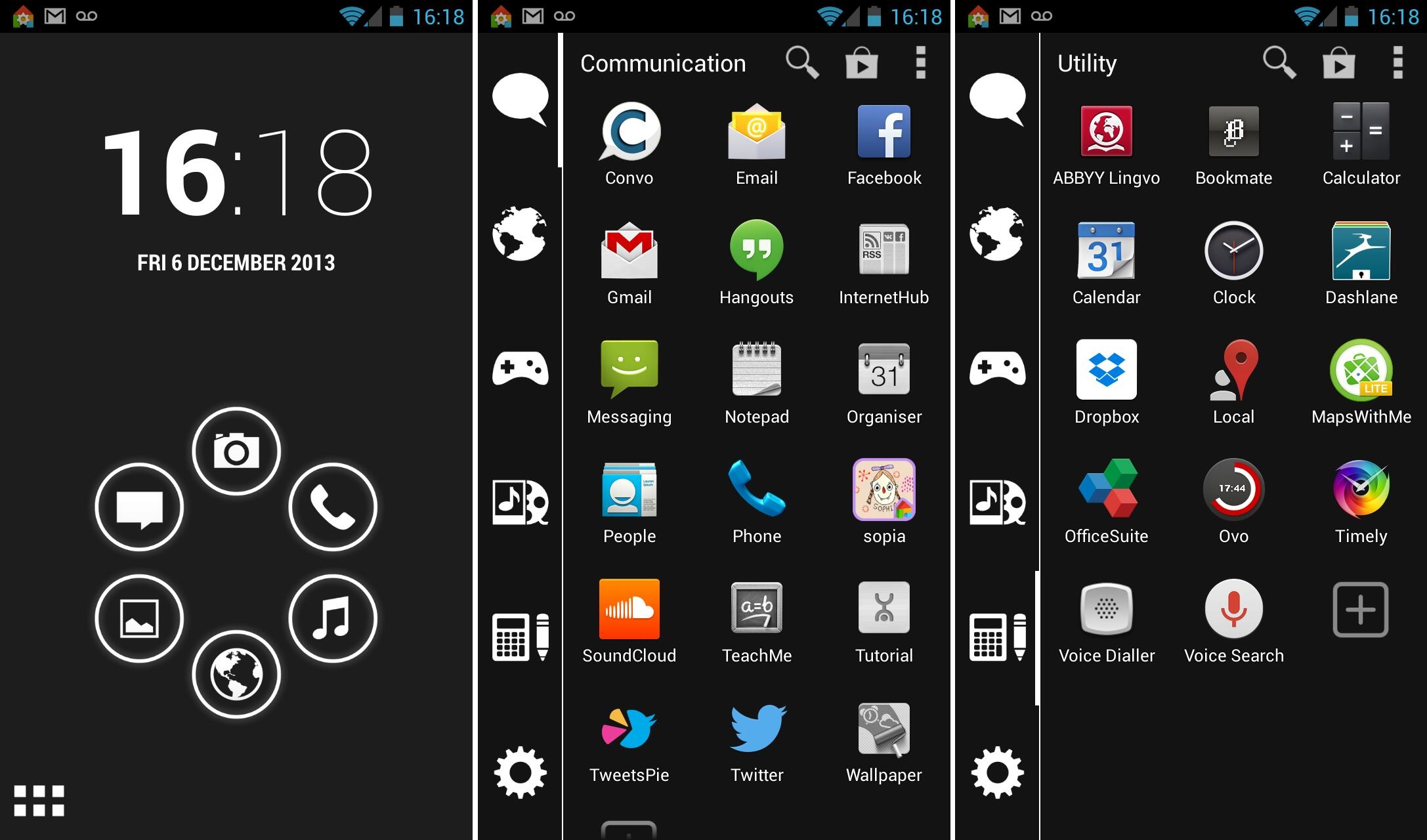


If no app is open, your home display will seem. by means of default, your foremost domestic display suggests the date, weather, and some apps. critical: some of these steps paintings only on android 10 and up. lear. Android os offers more than one home android screen home apps screens (up to 7). every home screen capabilities like the computer in your laptop and might incorporate shortcuts, app icons,folders and widgets.. multiple home screens permit you extra effective display space that is useful as android tablets and phones have a whole lot smaller monitors than computing device computer systems.. there's usually an abnormal quantity of domestic screens with the critical. with the loose downloads of the maximum popular apps and video games like snapchat++ or pokemon pass whilst you swipe down the home display of your android cellphone, you’ll see short settings choice of


Komentar
Posting Komentar