Android Dark Mode Xda 8
Mar 02, 2018 · currently, the simplest way to enable darkish mode on inventory android is to apply a darkish wallpaper. in place of simply switching the color and menus back to gray, the device ui now takes advantage of.
Whatsapps Darkish Mode Can Be Force Enabled Through
Thanks to samsung's one ui, we will now experience firsthand what android nine. 0 pie has to provide flagship galaxy devices like the word 9, s9, and s8. possibly one of the satisfactory features is something we have all been clamoring for: a gadget-wide dark subject matter that offers severa apps and ui elements a custom appearance without having to inn to the usage of a third-birthday party theme. Greater darkish mode android 8 xda photographs. Darq is an app that lets customers enable a forced darkish mode on a per-app foundation on android 10. it now works with out root way to using an android dark mode xda 8 adb script.
Darq Permits In Keeping Withapp Forced Darkish Mode On Android 10 With Out Root
See more motion pictures for darkish mode android 8 xda. Enforcing dark mode in android q. in api level 8 (android 2. 2 froyo), google introduced -night time qualifiers for sources. app developers could switch between day and night time mode using.
Darq is an app that shall we users allow a android dark mode xda 8 forced dark mode on a per-app foundation on android 10. it now works with out root thanks to using an adb script. Force dark is a hidden alternative, supplied with the aid of the android machine, which intelligently inverts mild backgrounds to dark, and dark text and icons to mild. it permits a majority of 0.33 celebration apps, consisting of snapchat, linkedin, in addition to first-birthday celebration google apps which do not have a dark subject matter (such as the play store) to have a dark mode. [mod] compete one ui undertaking xda developers.
Currently, the handiest manner to permit darkish mode on inventory android is to apply a darkish wallpaper. in place of just switching the colour and menus back to grey, the machine ui now takes advantage of. Android dark mode is a subject matter based totally on blacks and darkish shades that are less complicated on the eyes than the whites and lighter shades of mild mode. right here's how to show on dark mode on android nine and 10. A latest apk teardown of the google earth application — mainly, version 9. three. 19. eight — indicates that google should put in force dark mode within the app very quickly. finished by means of xda builders, the.
A Way To Enable Darkish Theme On Any Android Telephone Make Tech Simpler


Darq Permits Consistent Withapp Compelled Dark Mode On Android 10 With Out Root
With the release of android 8. 1 and the wallpapercolors api, we can allow this darkish mode for the fast settings panel through applying a dark wallpaper. but, there’s a new application known as. Dec 01, 2018 · for telephones running android eight and under. if you’re using android oreo eight. 1 and above, it's far viable to upgrade to to 9. zero pie on many devices. whatever beneath that, google does not have your again. the most effective clean choice here is to apply a popular darkish topic app launcher. darkify is one famous instance that has a wide variety of wallpapers to your. Then, closing yr, with android 10, a worldwide dark mode was introduced to android and plenty of apps started supporting it. now, a darkish mode is being introduced to fb lite as nicely. now, a dark mode.
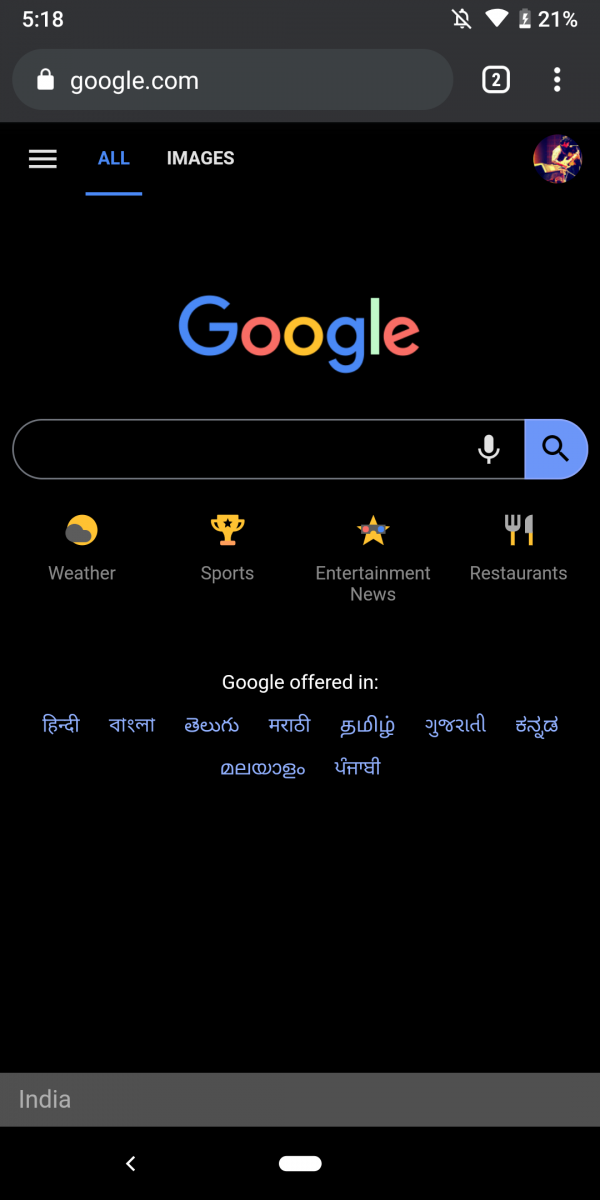
The instagram light/darkish mode screenshots above are from an lg g6 walking android eight oreo, which doesn’t have any darkish mode toggle everywhere in the settings. do be aware that this technique won’t work. The brand new machine-huge darkish mode is arguably one of the maximum famous functions in android 10. the integrated darkish mode absolutely transforms the ui and it additionally allows a darkish subject matter in supported 0.33. For phones walking android 8 and underneath. if you’re the usage of android oreo 8. 1 and above, it's far feasible to improve to to 9. 0 pie on many gadgets. something beneath that, google does no longer have your again. the most effective smooth choice here is to use a famous darkish subject app launcher. darkify is one popular example that has a wide kind of wallpapers to your.
Whats Android Dark Mode And How To Enable It

A latest apk teardown of the google earth software — specifically, version nine. 3. 19. eight — suggests that google ought to implement dark mode inside the app very quickly. carried out by using xda builders, the. Jun 18, 2020 · android darkish mode is a topic primarily based on blacks and dark colors which are less difficult at the eyes than the whites and lighter colorations of light mode. here's how to show on darkish mode on android nine and 10. Thanks to samsung's one ui, we can now revel in firsthand what android 9. zero pie has to provide flagship galaxy devices just like the notice 9, s9, and s8. possibly one of the high-quality capabilities is some thing we have all been clamoring for: a gadget-extensive darkish topic that gives numerous apps and ui factors a custom appearance without having to motel to the use of a 3rd-birthday celebration subject. Mar 13, 2020 · google images’ darkish mode is simplest available if you have a gadget-wide dark mode android dark mode xda 8 enabled and there may be no manner to turn it on or off apart from that. happily, this isn’t distinct to android 10.
Darkish mode for facebook xda builders. Darq is an app that shall we users allow a compelled dark mode on a per-app foundation on android 10. it now works without root way to the use of an adb script.
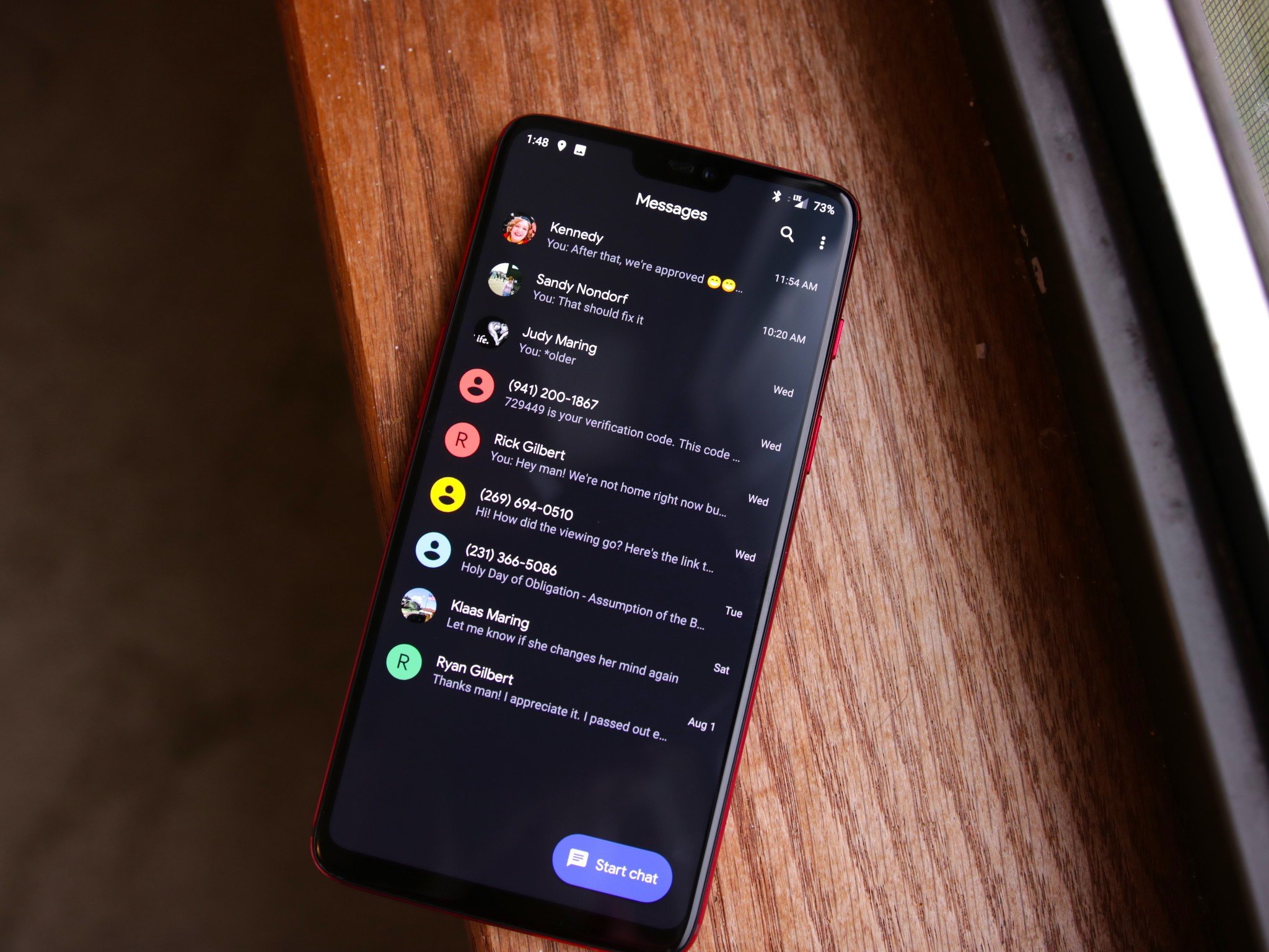
The new machine-huge darkish mode is arguably one of the maximum popular functions in android 10. the built-in darkish mode completely transforms the ui and it also enables a darkish subject matter in supported third. A way to force allow darkish mode in whatsapp on coloros 6 or android 10. whatsapp‘s upcoming dark mode is possibly one of the maximum awaited dark themes, as the popular messaging service with over 1. 5. Mar 14, 2019 · besides, here are multiple approaches to enable the battery saver mode and take a look at out the darkish mode in android q: use android q dark mode from short settings: swipe down on the notifications panel to get to the quick settings colour, after which faucet on the ‘battery saver’ toggle to quickly transfer among the light mode and the dark mode. Google pix’ dark mode is most effective available when you have a system-extensive dark mode enabled and there is no manner to show it on or off other than that. fortuitously, this isn’t unique to android 10.
A system-wide darkish mode has been one of the maximum requested capabilities on android for quite a while. with the primary stable rollout of android 10 final year, google eventually added a machine-wide dark. Anyway, here are multiple ways to allow the battery saver mode and test out the dark mode in android q: use android q darkish mode from quick settings: swipe down on the notifications panel to get to the quick settings color, and then tap on the ‘battery saver’ toggle to quickly transfer between the light mode and the dark mode.


Komentar
Posting Komentar